GC Enterprise · Daily Reports · 1 min
Start a new daily report
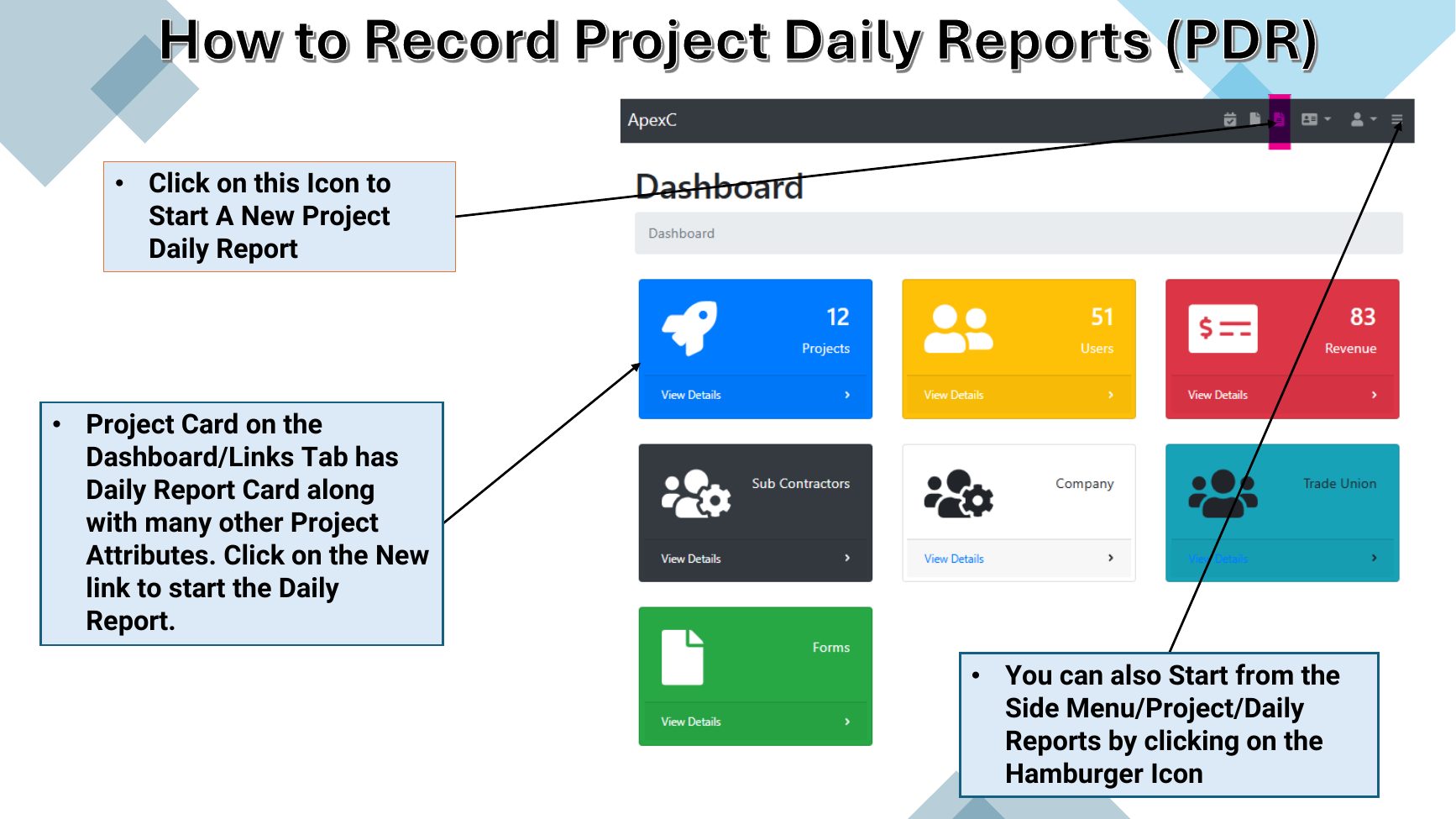
Open a new Project Daily Report from the dashboard or the side menu.
Click an image to open it full size.
Steps
- 1On the Dashboard Links tab, find the project’s Daily Report card and select New.
- 2Or open the side menu (hamburger icon), go to Project, then Daily Reports, and add a new report.
Tip
Have crew counts, inspection details, deliveries, change-order references, visitors and photos ready before you begin.