GC Enterprise · Daily Reports · 2 min
Record site conditions
Set the basic facts for the workday before recording field activity.
Click an image to open it full size.
Steps
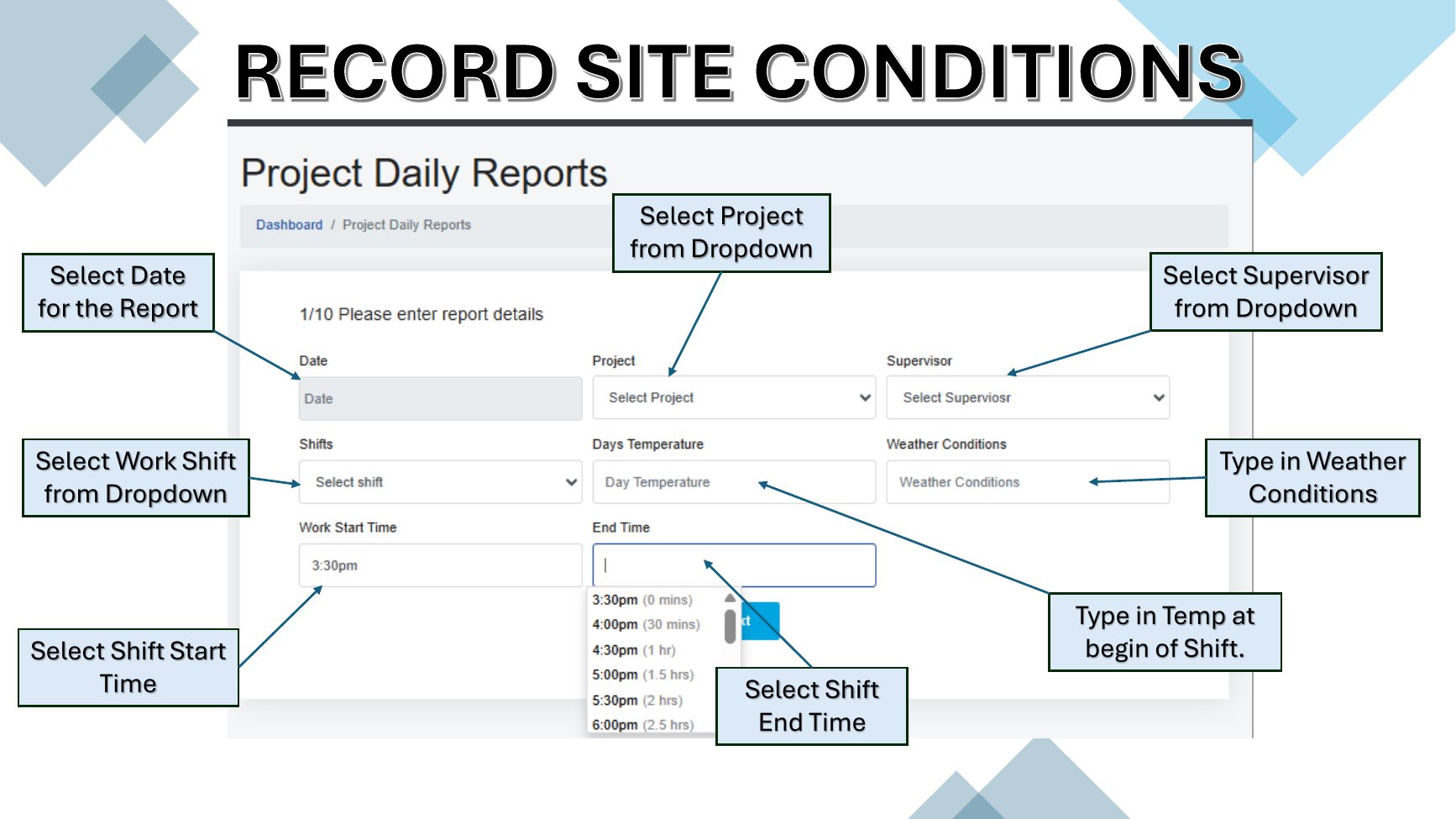
- 1Select the report date.
- 2Choose the project and supervisor from their dropdowns.
- 3Select the work shift, shift start time and end time.
- 4Type the temperature and weather conditions at the beginning of the shift.
Fields on this screen
- Report date
- Project
- Supervisor
- Shift
- Weather
- Day temperature
- Start time
- End time